- Austin's Newsletter
- Posts
- Why You're automating the wrong things.
Why You're automating the wrong things.
You're automating the wrong things - The AI Playbook Vol. 2

Austin Marchese
December 11, 2025
Each week, I meet with people to help them use AI.
And one thing is clear—there's a gap between what problems people THINK they need to solve and what they ACTUALLY need to solve.
Here's an example.

I was helping someone (call him "Adam") create multiple business proposals. It takes up a ton of his time, so he wanted to automate the entire process. But it turns out, Adam would never send a proposal without reviewing it first.
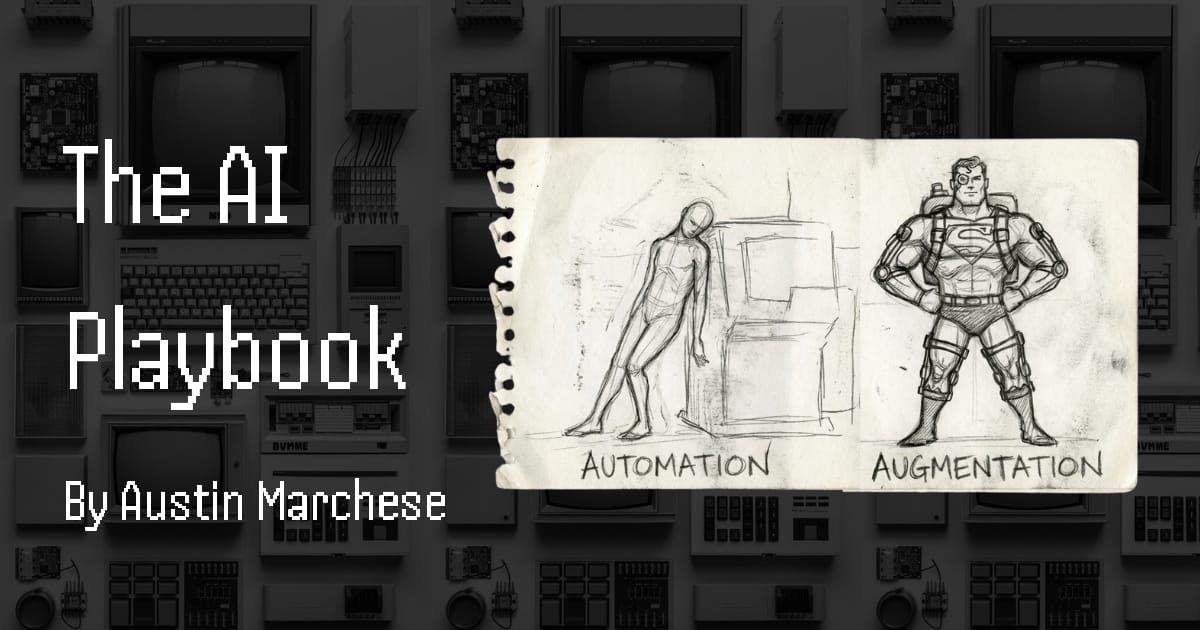
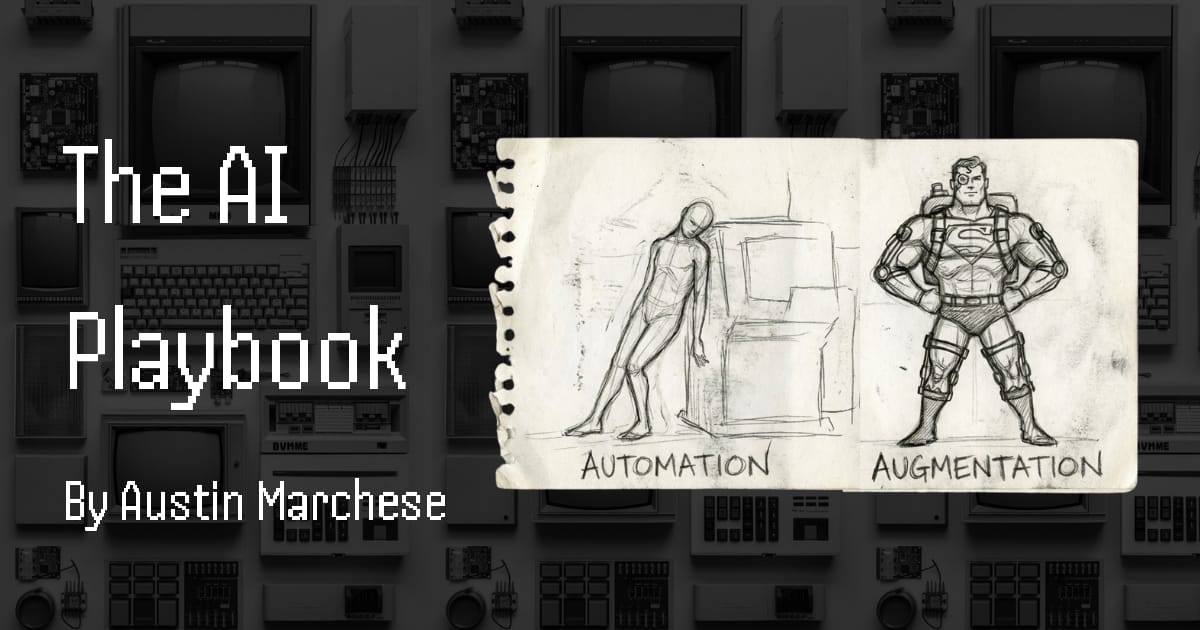
We were trying to automate a process that should never be automated. It should be augmented.
And if you get this distinction wrong, you'll waste weeks building something that either doesn't work or actively makes things worse.
Augmenting vs. Automating
Before I give you the framework, here are some key terms:
Augmenting → Using AI to help streamline and improve a process. You're still in the loop.
Automating → Using AI to do everything end-to-end with no human involvement.
Cost of Error → If AI gets it wrong, what's the damage? Drafting emails = low. SENDING emails directly to your top clients = high.
The Sauce → The real value you provide. The thing that makes your work yours. If you're a social media manager, never try to automate content creation—you should augment it. Your taste and judgment IS the job.
Here's the flowchart I run every task through:
Can it be broken down? → If yes, break it into steps and evaluate each one.
Is the cost of error high? → If yes, augment only. Keep yourself in the loop.
Is it repetitive and low-stakes? → Now we're talking automation territory.
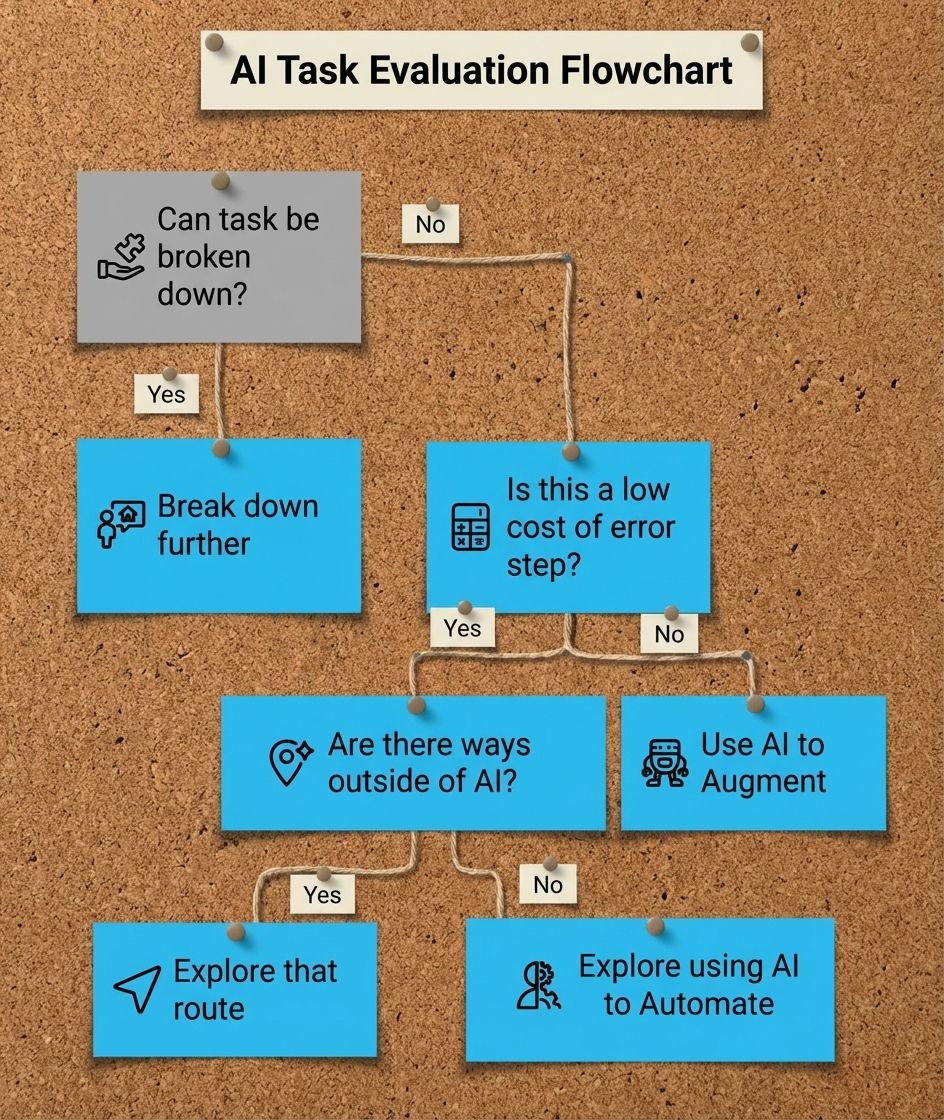
AI Task Evaluation Flowchart
Breaking Down Adam's Problem
Let's use this framework on Adam's statement: "I want to automate the proposal generation process."
First question: Can it be broken down? Yes. There are actually 6 steps:
Walk the site to take pictures and gather data → The Sauce
Run calculations based on those numbers → Just use Excel
Write an initial draft → AI Augmentation
Revise draft + apply branding → AI Augmentation
Final review → The Sauce
Send to customer → The Sauce
Steps 3-4 are the only parts where AI even makes sense. So the question is no longer "I want to automate the proposal generation process." It's "I need to augment the drafting process"—which is a much easier problem to solve.
The key insight: Breaking big problems into bite-sized problems will drastically improve your chances of using AI to make real improvements. Most people skip this step and wonder why their "automation" keeps breaking, and this is a large reason why 95% of generative AI pilots at companies are failing
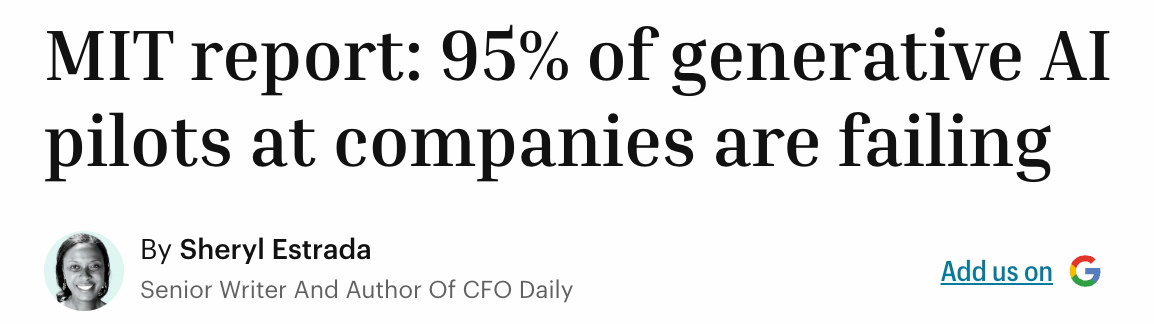
Fortune Article on failing AI use cases
The Part Nobody Talks About: Augmentation
AI can be used for two things. And people hyper-fixate on the wrong one.
Improving efficiency (what everyone thinks about)
Improving the QUALITY of the output (what nobody talks about)
When you augment properly, you get both. Here's how I think about it. You need to feed AI two types of reference data:
Your Best Work & Personal Data → Everything you've done to date that represents "this is what good looks like from me." Reports, emails, proposals—gather your best examples and compile them in one place. This teaches AI how YOU do things. As part of this you can include things like: Your writing style, your past experiences, skills, etc. Your feeding it information about YOU.
Your North Star & External Data → What you want the output to become. These are examples that are better than your current work. Maybe it's a colleague's report that always impresses people. Maybe it's a competitor's proposal that just hits different. This can also be more generic. For example, if you’re writing a newsletter, you could pull in Youtube transcripts from your favorite creator on HOW to write newsletters.
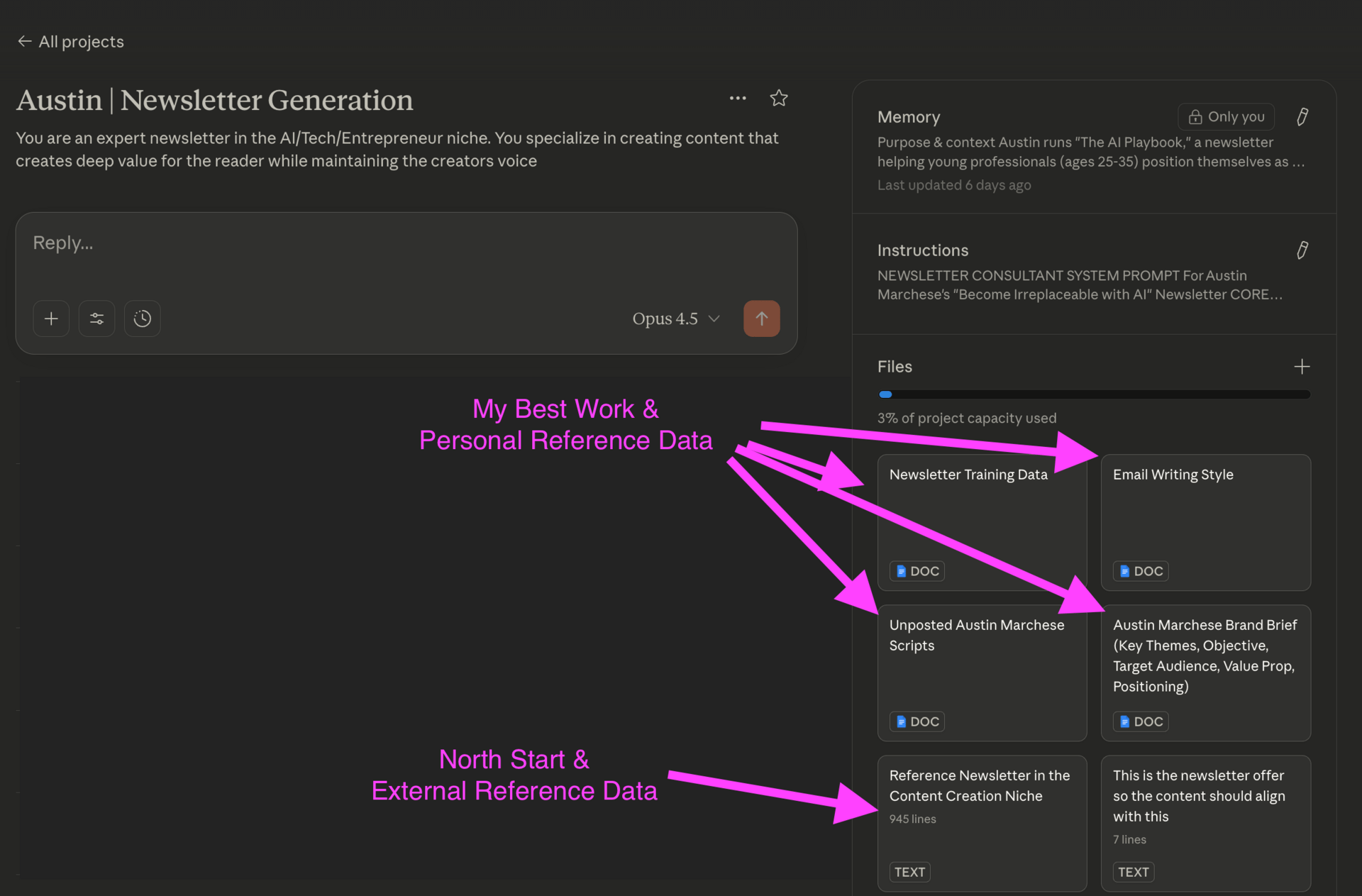
Example Claude Project Setup (my favorite tool for using reference data) to help write this newsletter
Your Best Work improves efficiency. Your North Star improves quality.
For Adam—he pulls in all the proposals he's created (5 minutes of work). Then he grabs a few proposals from a colleague who writes better than him, plus a competitor's proposal that's next level.
Now AI has context on where he is AND where he's trying to go.
This is what people mean when they talk about "context engineering"—and honestly, it's way more important than prompt engineering.
The Prompt Part (Keep It Simple)
Most people's prompts either suck or they think they're Shakespeare and spend 10 minutes crafting the perfect sentence.
Here's all you need to know: Use AI to write your prompts for you.
Yes…it's that simple. Go into ChatGPT or Claude and say:
"Create an optimized prompt where my goal is [GOAL]. I will share [INFO] and I want it to use the reference data for [REASON]."
For Adam: "Create an optimized prompt where my goal is to write a client proposal. I will share past proposals I've written and north star examples from others. Use the reference data for writing style and formatting."
Go back and forth until you love the result. Then say:
"Review our conversation and update the original prompt so I get to this final answer faster next time."
Save these prompts somewhere. I use Notion. They compound—getting better every time you use them.
When to Actually Automate
GM made a $45 billion mistake in the 1980s.
They tried to automate factory processes they didn't fully understand. They built robots to complete tasks that made no sense—like welding car doors shut.
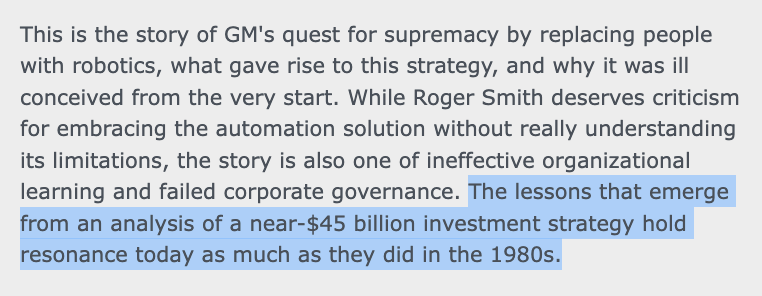
Dartmouth Case Study: GM and the Great Automation Solution
Yes, this actually happened. Automating workflows is no different. If you don't know EXACTLY how a task is done, step by step, how would you get AI to do it?
Before you automate anything, run through this checklist:
Is the process entirely documented? The act of writing it down forces you to think through each step. Skip this and you'll discover problems after you've already invested the time.
Could I hand this to a smart 14-year-old and they'd produce something as good as me? If you'd need to explain nuance, judgment calls, or "it depends" scenarios—that's augmentation territory, not automation.
Have I tried removing steps entirely? The best automation is deleting something from the process altogether.
Have I already augmented this extensively? Have you tested and optimized the prompts yourself? If not, you're not ready to automate.
Once you clear that checklist, then consider automation.
I have a YouTube channel walking through specific workflows, but the key thing is: the simplest solution is usually the best one. Don't add new tools just to feel productive.
btw - If you’re a business owner and interested in working with me to transform your company into an AI first operation, click here and book a free consultation call to see if you’re a good fit. - Austin

Here's exactly what I'd do:
Step 1: Find a workflow you do repeatedly (reports, emails, research, proposals)
Step 2: Break it down using the AI Task Evaluation Flowchart. Identify what problem you're actually solving.
Step 3: There's a 90% chance you need augmentation, not automation. That's fine. That's the right answer for most things.
Step 4: Pull in your Best Work and North Star examples. Load them into Claude Projects or ChatGPT.
Step 5: Build, test, improve. The best way to find the holes is to run water through the hose.
Tools I'd use:
NotebookLM → Curate information from YouTube videos, websites, documents. Great for building that North Star reference.
Claude Projects or Gemini Gems → Load in all your reference data at once. Create an environment optimized for specific workflows.
This week, I covered why you’re automating the wrong things. Until the next one…
Y’all are legends, and lets keep building.
-Austin